New Features & Enhancements
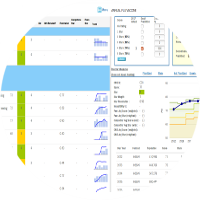
- In Scenario Manager, the default prompt for copied scenario changes was removed and an asterisk was added to indicate changes in the source scenario. And In Edit Measure, a Refresh button was added to apply copied measure changes to the scenario.
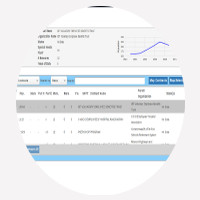
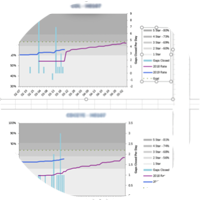
- Created a new version of the Gap-to-Goal report where users can select measures and HContracts, showing a row for each HContract with the chosen measures.
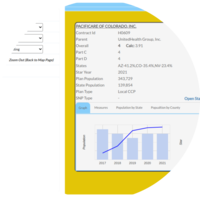
- Contract popup access enabled in the StarPlanner contract switch model.
- Added the Projected Gap for X.X Star column in Stars Planner tracking, similar to Multiplanner.
- Added validation in Measure Upload for duplicate measures and incorrect directions based on cutpoint values, with errors shown in the Validation tab.
Bug Fixes
Stars Dashboard
Fixed format issue in Score Trend tab
StarsPlanner
Resolve the issue where the Plan History tab is not loading in Stars Planner.
Resolved the drag-and-drop problem in Stars Planner that occurred mainly when all columns were empty.
Multiplanner
Fixed the issue where the scenario name changed automatically when the Scenario Type or As-of Date fields were updated.
After the scenario is saved, enable editing in Scenario Creation so users can modify the input fields.
Fixed the issue where entering a CAI value greater than 7 digits triggered an Oops error. The input is now restricted and a warning is displayed to the user.
Fixed Upload Measures to highlight both modified and new measures in downloaded files.
Fixed CAHPS numerator showing blank in downloaded scenario data.