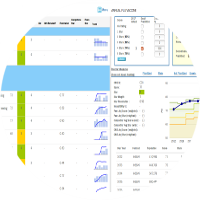
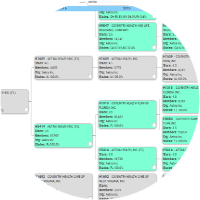
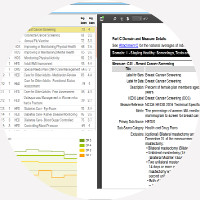
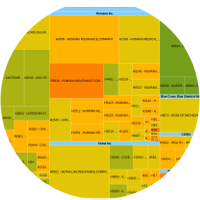
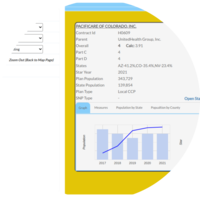
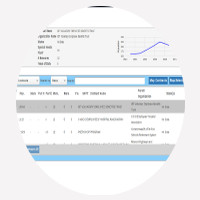
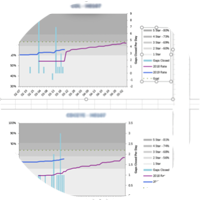
A) Multiplanner & Stars Planner
-
In Multiplanner, Color highlighted for user created measures
-
Updated the Add/Remove Contract model to display contracts based on the selected scenario start year instead of defaulting to the latest start year
-
Fixed an issue where, when CMS allocation matched its threshold, the system incorrectly assigned a penetration value of 0 even if the measure had not reached the higher star rating.
B) Improvement Calculator
-
Added tooltip when a user changes the star without updating the score.
-
SSIL values are now populated for all Significant Improvement measures, and the baseline star condition for SSIL 1 and 5 has been removed.
-
Added additional columns in Hold Harmless count and included it in the top section.
-
For percent-based denominators, the population should reflect the measure year (December 2024 for SY2026, December 2025 for SY2027), not the latest star year membership
-
"Ascending to descending" sort has to filter blanks at the first in the improvement calculators of Part C & D
C) Scenario Upload
-
Upload validation: Added a warning for score/star combinations that are inconsistent with the published cutpoints (e.g., score of 10 with 5 stars).
-
Resolved an issue causing extra space in the UI.
D) H-Contract Popup
-
Displayed a “No Data Available” message on the Star Measure History tab when no records exist, replacing the previously blank view
-
Corrected popup alignment/positioning.
E) Parent Org Popup
-
Corrected popup alignment/positioning
F) Contract List
-
Added "Add All" and "Remove All" options to the Measure dropdown filter
G) Measure Star Valuator
-
+ 1/2 star valuator has to show the exact value for PMPY
H) Contract History Browser
-
Fixed contract position issues when hovering over contract buttons.
I) Admin Report
-
Fixed week numbers to start and end based on the specific month.
J) User Sign Up
-
Fixed a password validation issue during user sign-up.
K) Parent Org
-
Fixed the Parent Org pop-up to dynamically adjust scroll and utilize space after resizing, eliminating blank areas.